
Table Total
v1.0for Google SheetsAuto-insert SUBTOTAL rows grouped by any column. Native Google Sheets formulas — they work even without the add-on installed.
What it is
Table Total is a Google Sheets add-on that inserts subtotal rows into your data tables. Pick a grouping column, pick a function, click Add Totals — done.
The rows it inserts use native Google SheetsSUBTOTALformulas. They calculate correctly, collapse with row groups, and keep working after you uninstall the add-on. No proprietary format, no lock-in.
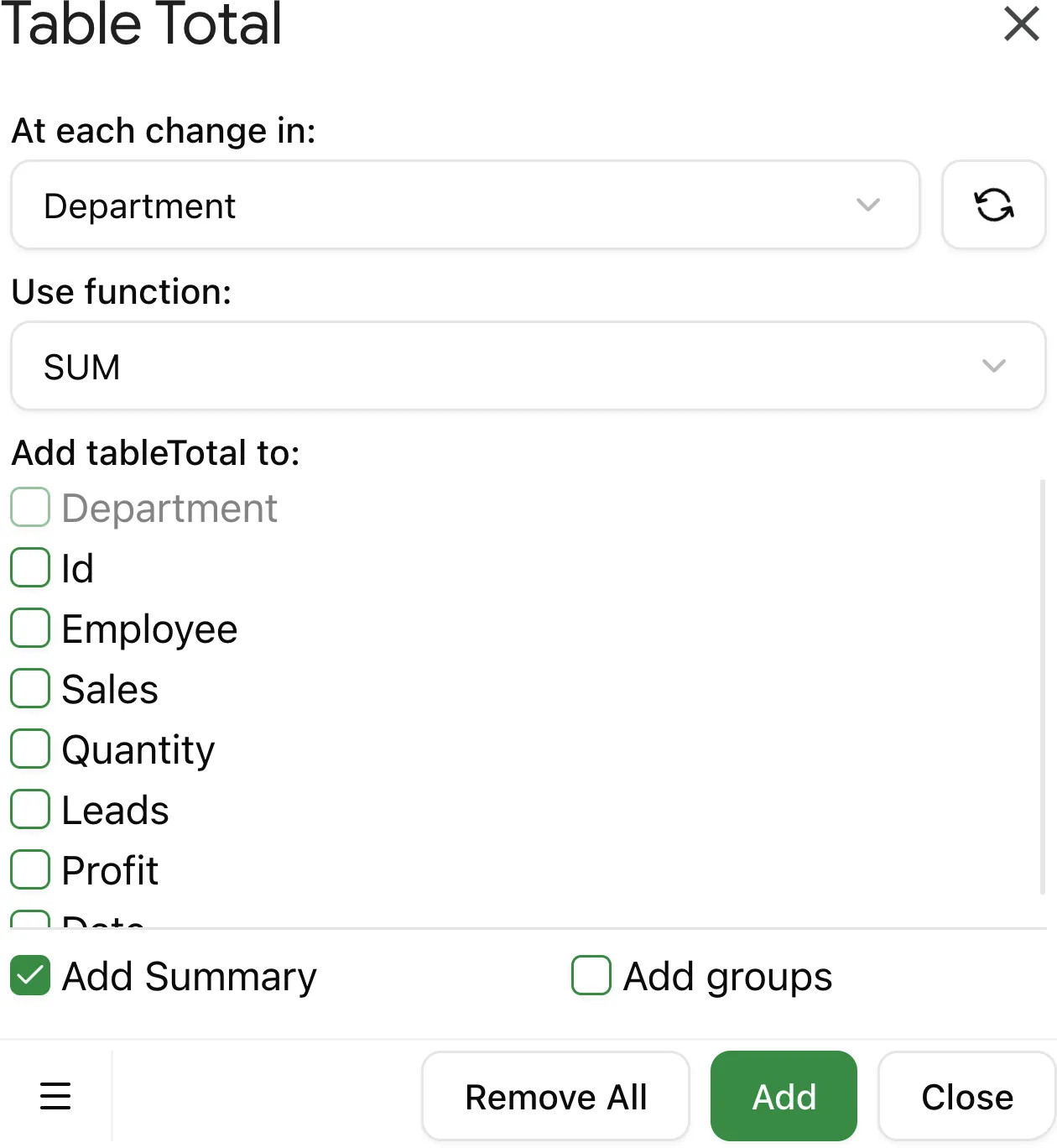
Three steps
Everything you need
Simple pricing
- ✓All 9 functions
- ✓Grand total row
- ✓Collapsible row groups
- ✓Native SUBTOTAL formulas
- ✓Free trial. 7 days of actual use, not calendar days
- ✓All 9 functions
- ✓Grand total row
- ✓Collapsible row groups
- ✓Native SUBTOTAL formulas
- ✓Free trial. 7 days of actual use, not calendar days
Common questions
Do the formulas work after uninstall?↓
Yes. Table Total inserts native Google Sheets SUBTOTAL formulas. They calculate correctly without the add-on installed.
Can I use it on a table someone else made?↓
Yes, as long as you have edit access to the sheet. The add-on reads the table structure and inserts rows — no special formatting required.
What happens when the trial ends?↓
The SUBTOTAL rows already in your sheet stay and keep working. You just can't run Table Total again to add new ones.
Can I cancel anytime?↓
Yes. Cancel from the Lemon Squeezy customer portal at any time. You keep Pro access until the end of your billing period.
Subtotals in three clicks.
Table Total groups your data and inserts native SUBTOTAL formulas automatically. 7-day free trial, no credit card.