
Select Special
v1.2for Google SheetsFind cells by value, formula, note, formatting, or relation — then filter and act on them without writing a formula.
Why you need this tool
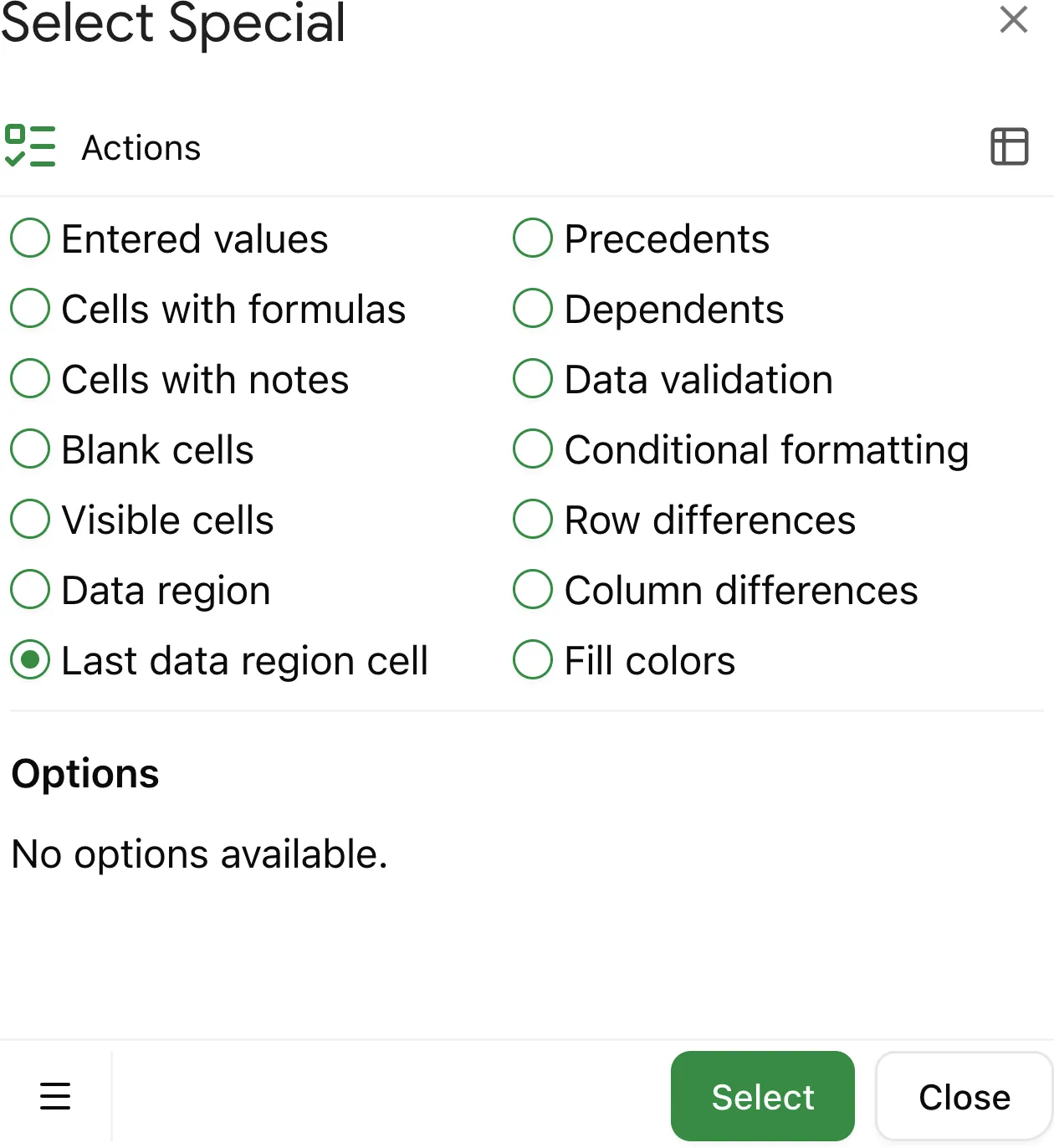
This tool streamlines the process of finding and selecting the last data cell in your Google Sheets, saving time and improving accuracy when working with extensive or complex spreadsheets.
What is the last data cell?
The last data cell is the cell located at the intersection of the last column and the last row that contain data. Identifying this cell can help you understand the boundaries of your dataset.
How to use the tool
First, you need to install the Select Special addon for Google Sheets. Visit the instruction page to learn how to do it step by step.
Execute the selection
To find the last data cell, press the Select button at the bottom of the add-on interface. The tool will automatically identify and highlight the last data cell, enabling you to navigate your spreadsheet more efficiently.